A browser tab, just to read a file?
Velq opens .md and .html like documents. Double-click in the file manager, read, done — no server, no tab.
Velq opens the Markdown & HTML your AI writes — no browser tab — and lets you edit while looking at the real rendered page. Then pack it, dependencies and all, into one .velq that survives moved folders and missing networks.
Free & open source · Apache-2.0 · macOS / Windows / Linux · auto-updates
Why Velq
Velq opens .md and .html like documents. Double-click in the file manager, read, done — no server, no tab.
Velq can. The rendered page itself is the editor — type, add a paragraph, hit ⌘B — and every edit writes back into the .html source.
Pack the document with its CSS, scripts, images and fonts into one .velq. Paths change, networks vanish — it still opens.
An editor, a file manager, and a memory. Nothing extra — each one polished.
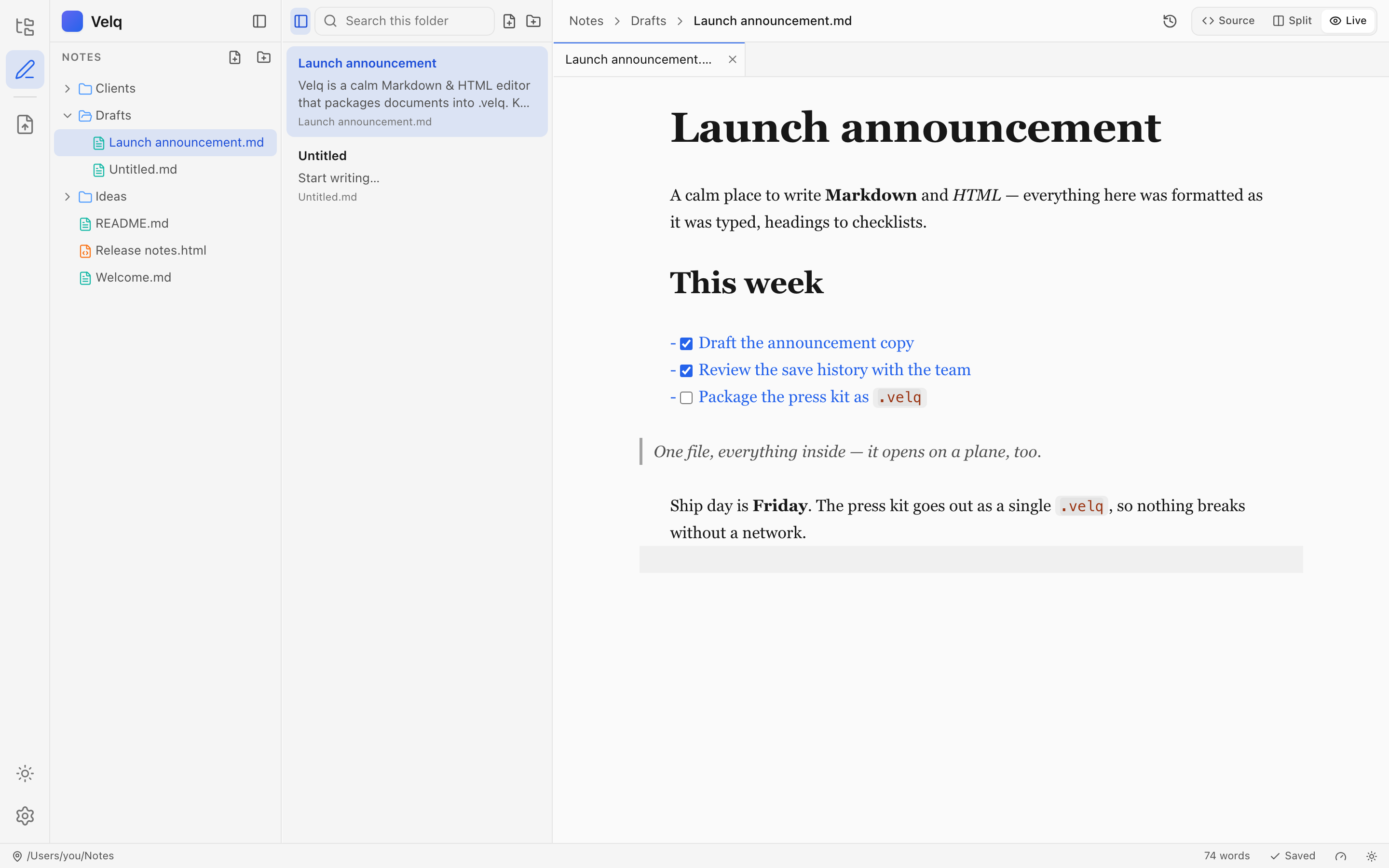
Source, Split, or Typora-style Live: headings, tables, task lists and code format in place while the active line stays raw Markdown — and .html opens as the page itself, editable in place.
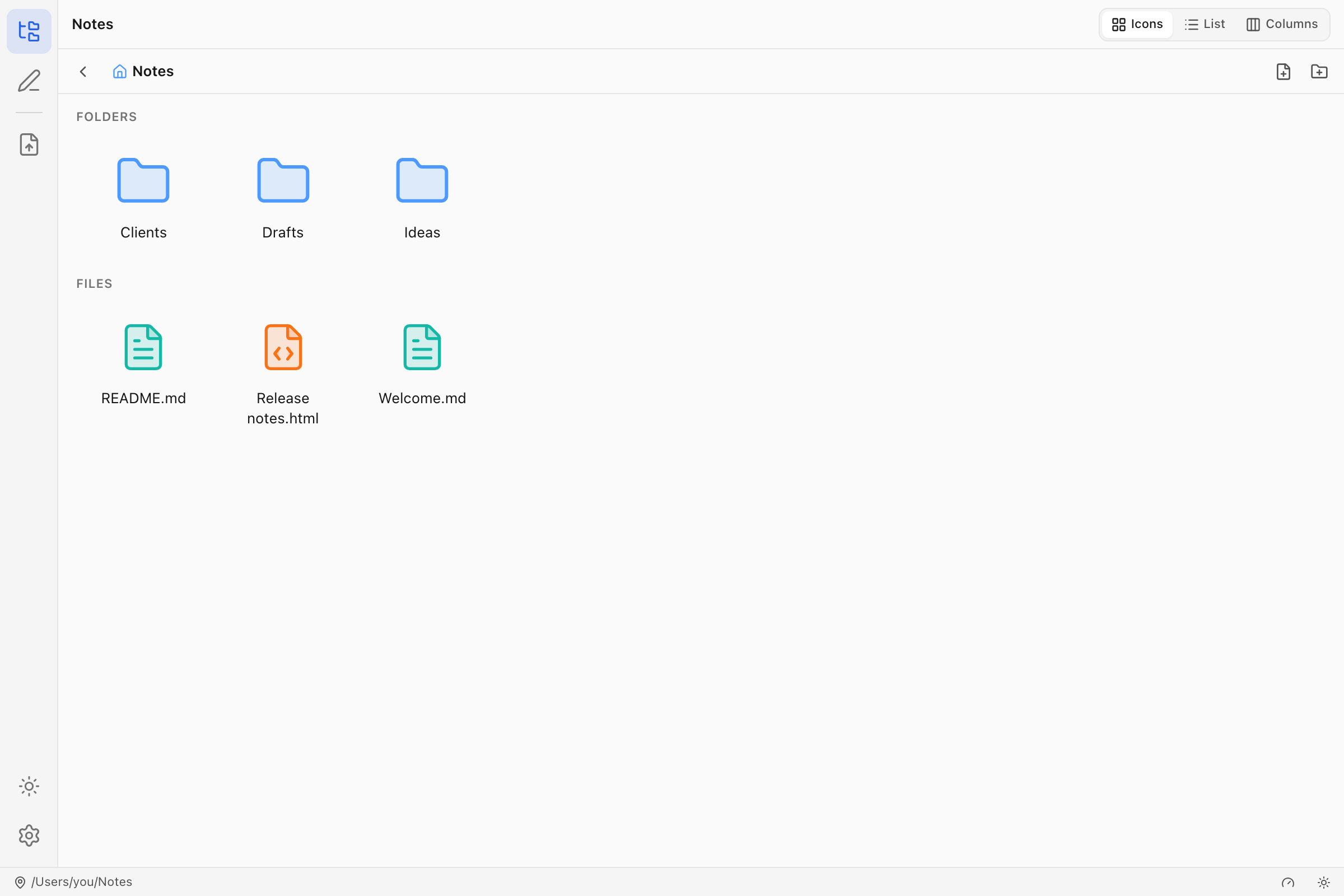
Your vault is a real folder on disk. Tree, previewed list, Miller columns, icon grid — with Quick Look on Space and inline rename.
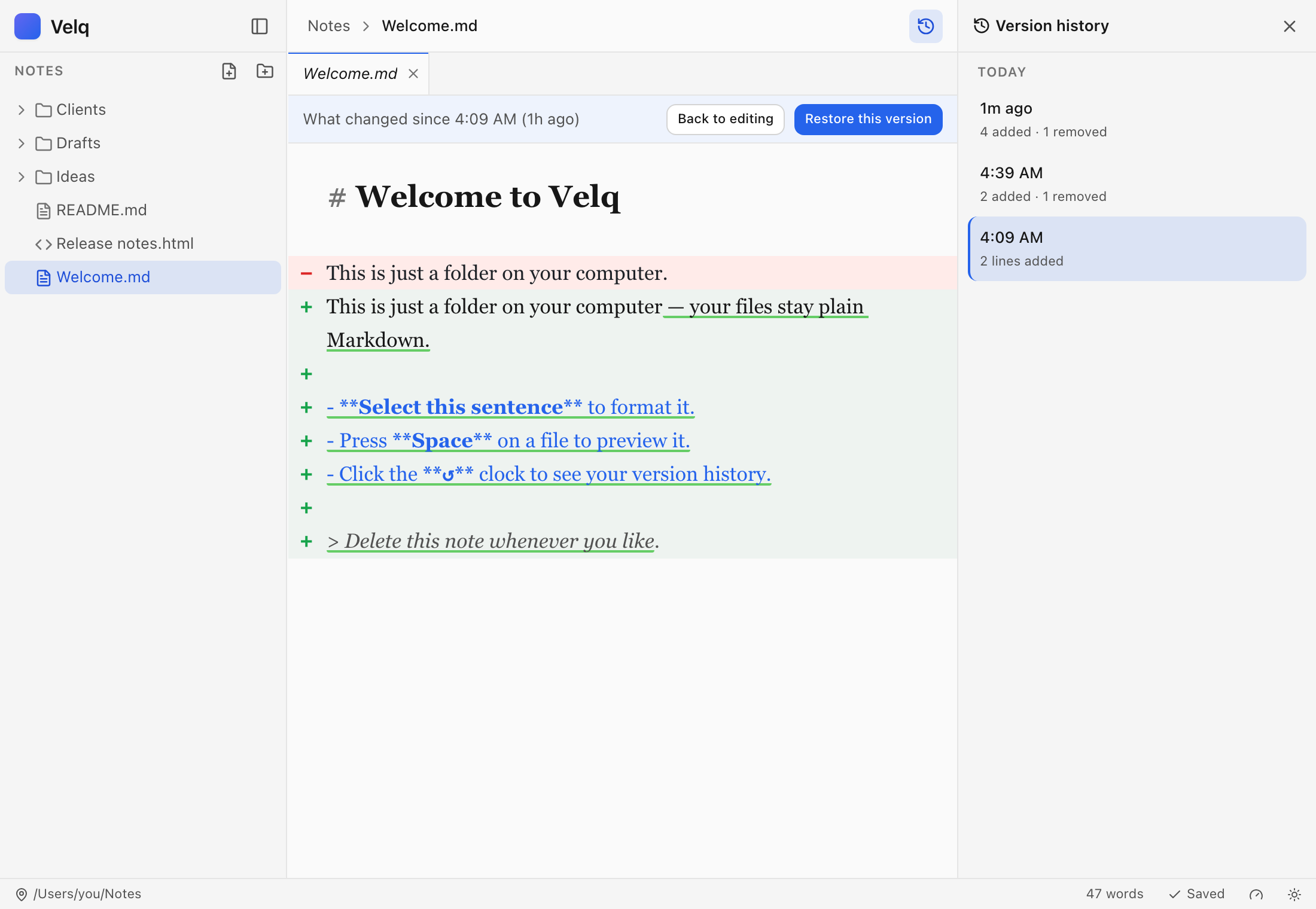
Velq quietly keeps versions as you save. Browse them, see what changed word by word, and restore without losing anything.
Markdown
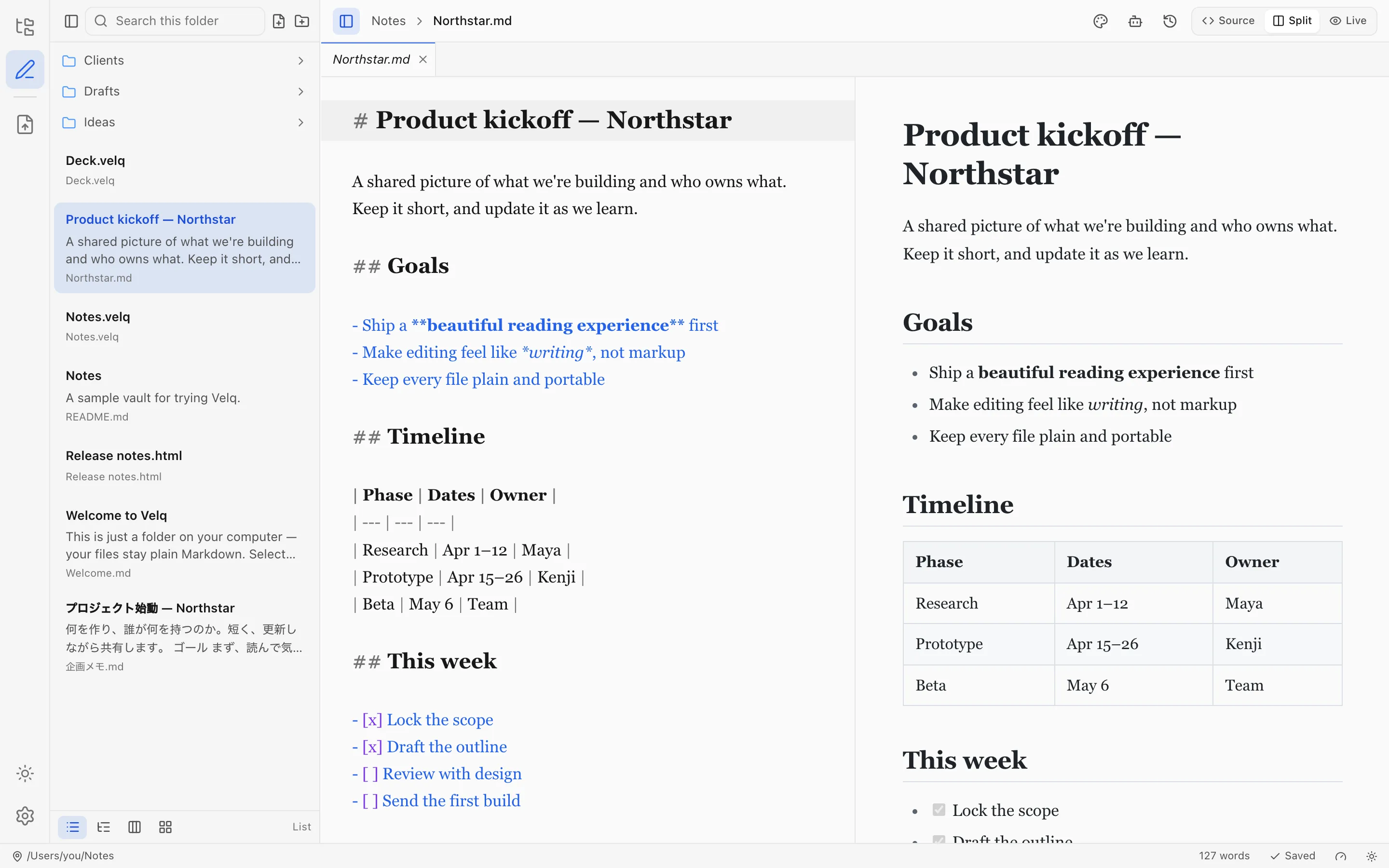
Markdown on the left, a finished page on the right. Headings, tables and code — all set properly, and easy to read. Edit the source and the page keeps up instantly. The ease of writing and the beauty of reading, on one screen.
HTML
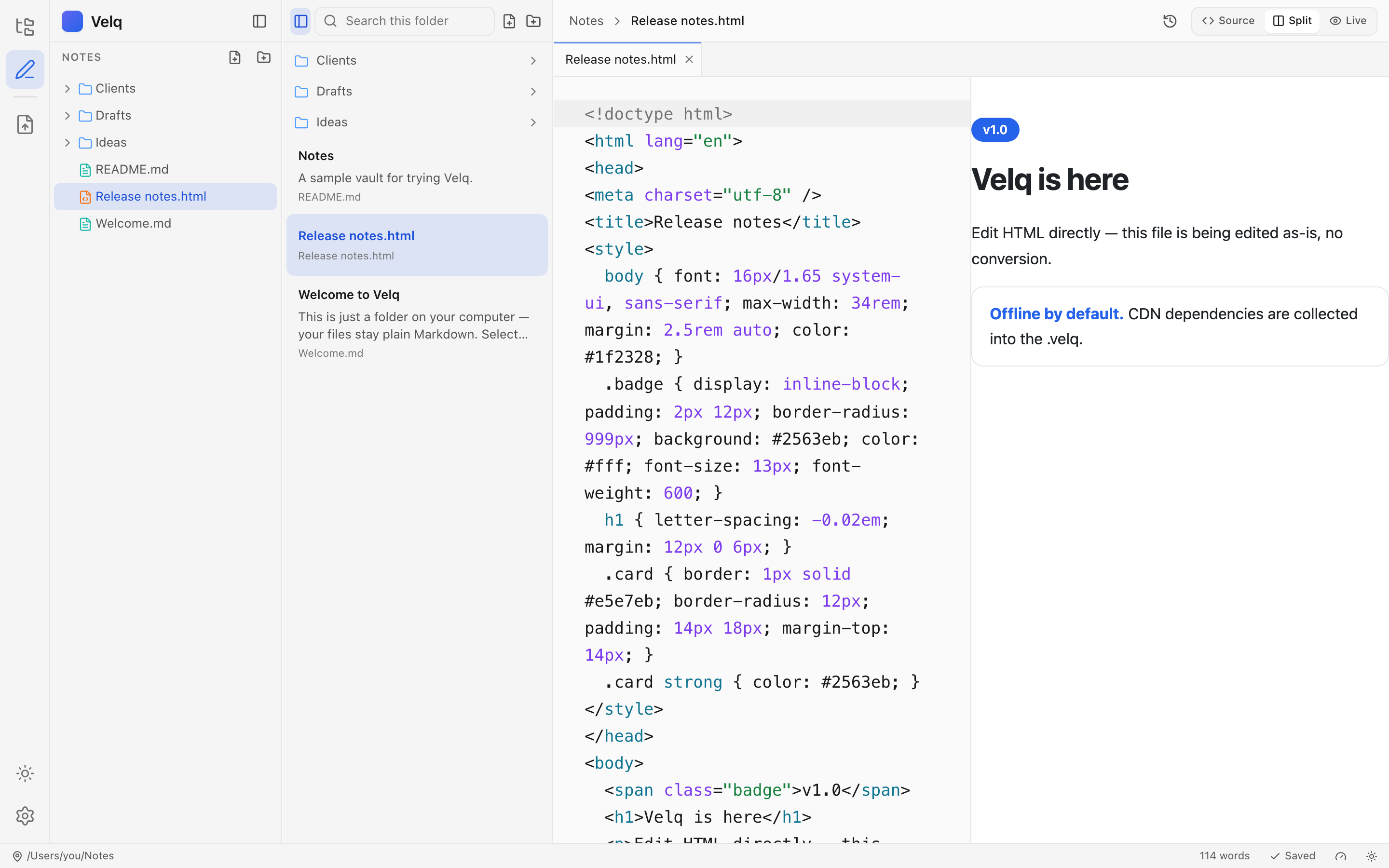
Open the HTML your AI wrote and it appears as the page it is, not source code — then just edit it. Type into the rendered page, add paragraphs, bold with ⌘B; Velq writes each change back to the right place in the source and leaves every other byte untouched. Saving writes plain .html; it never converts your file to another format.
File manager
No import, no database, no lock-in. Velq works directly on a folder of plain .md and .html — what you see in the app is exactly what sits on disk.
Save history
Every save becomes a version — no commits, no branches, no jargon. See exactly what changed between any two moments, word by word, and restore non-destructively.
Command palette
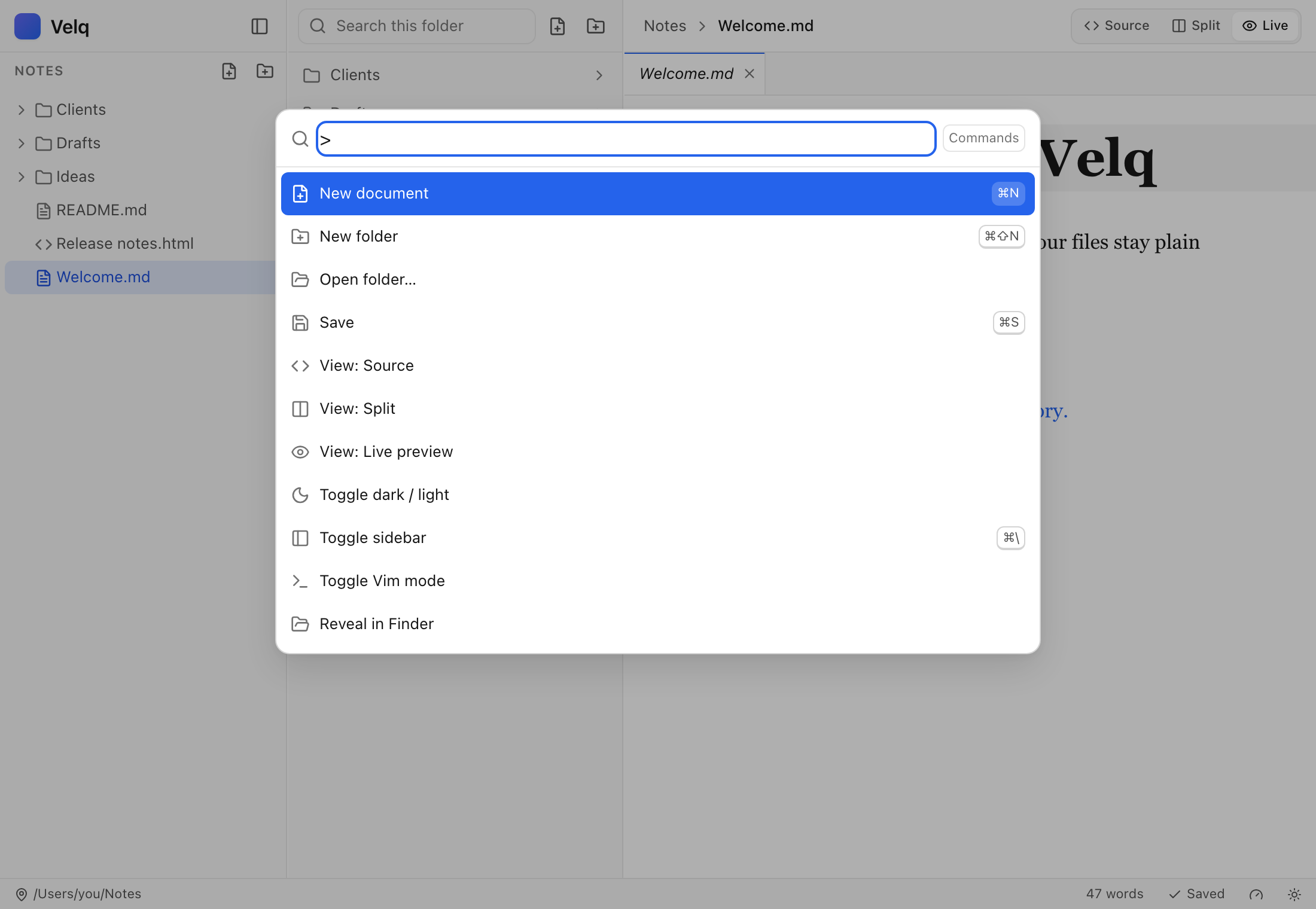
⌘K opens commands, ⌘P jumps to any file. Switch views, themes and Vim mode without leaving the keyboard.
The .velq format
Export any document — Markdown or HTML — as a single .velq that keeps working with no network, indefinitely.
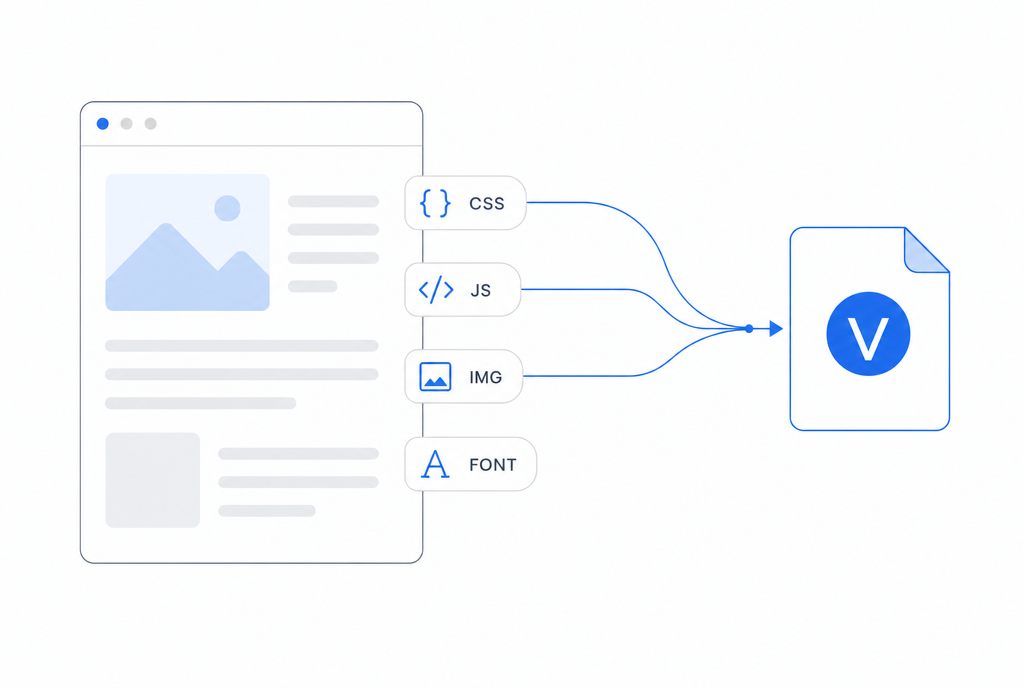
CSS, JavaScript, images and fonts are gathered — including the ones loaded from CDNs.
Every reference is rewritten to its bundled copy, de-duplicated by content hash.
It opens in a zero-permission viewer: JavaScript runs, but your files and network stay untouched.
Rename document.velq to .zip and look for yourself: a manifest, an index.html, an assets folder. An open format means your documents outlive any app — including this one.
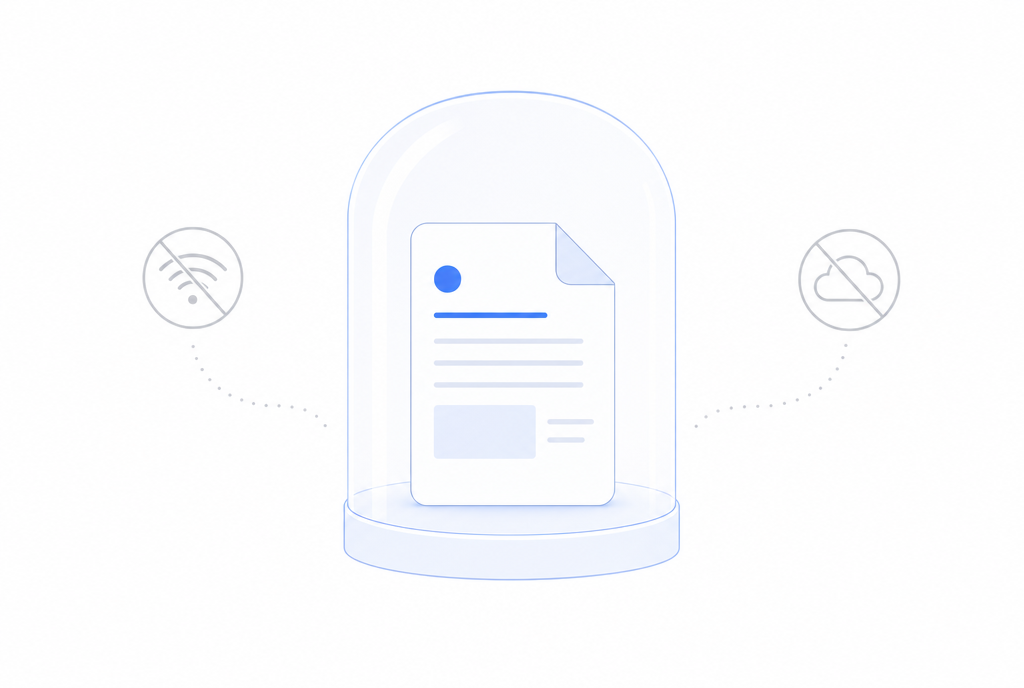
A .velq opens in an isolated, permission-zero window. No network calls, no file access — on a plane, in ten years, on a machine that never saw the original page.
Easy to miss at first, but they feel right the longer you use it.
Follows the system, or your pick.
Markdown, HTML or .velq.
Fully localized, both ways.
New releases, one click away.
macOS, Windows and Linux.
No account. No cloud required.
Apache-2.0. A free, open format.
Download once. It keeps itself up to date.
Apple Silicon · .dmg
Download .dmg64-bit · .msi / .exe
Download.AppImage / .deb
DownloadEarly 0.x, in active development.
Yes — free and open source under Apache-2.0. Clearly-separated paid AI services may come later, but the editor itself stays free.
In a normal folder on your disk, as plain .md / .html. Rename them, sync them, open them in other apps — Velq never imports or locks anything.
No. You'll never see “commit” or “branch”. You save; Velq remembers versions; you restore when you need to.
Yes. It's a ZIP container — rename it to .zip and every file is right there. The nicest experience is Velq's sandboxed offline viewer, though.
macOS (Apple Silicon), Windows 64-bit, and Linux (.AppImage / .deb), all with automatic updates. Velq is early 0.x — macOS is the platform it's developed and used on daily.
No. Velq works fully offline; your documents stay on your disk unless you choose to share them.